Install from the .dmg
The install command on the download page needs none of these steps.
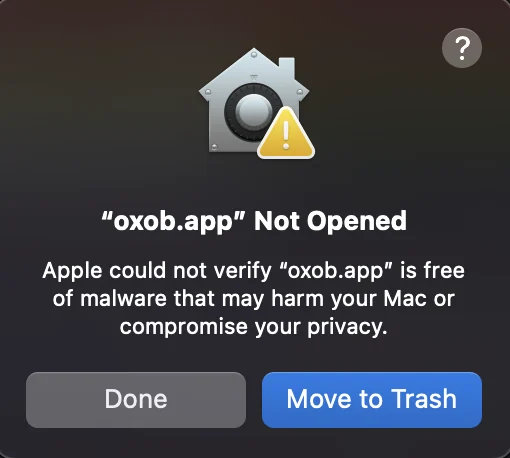
oxob is not signed by Apple yet, so macOS blocks its first start once:
- Open the
.dmgand drag oxob into Applications.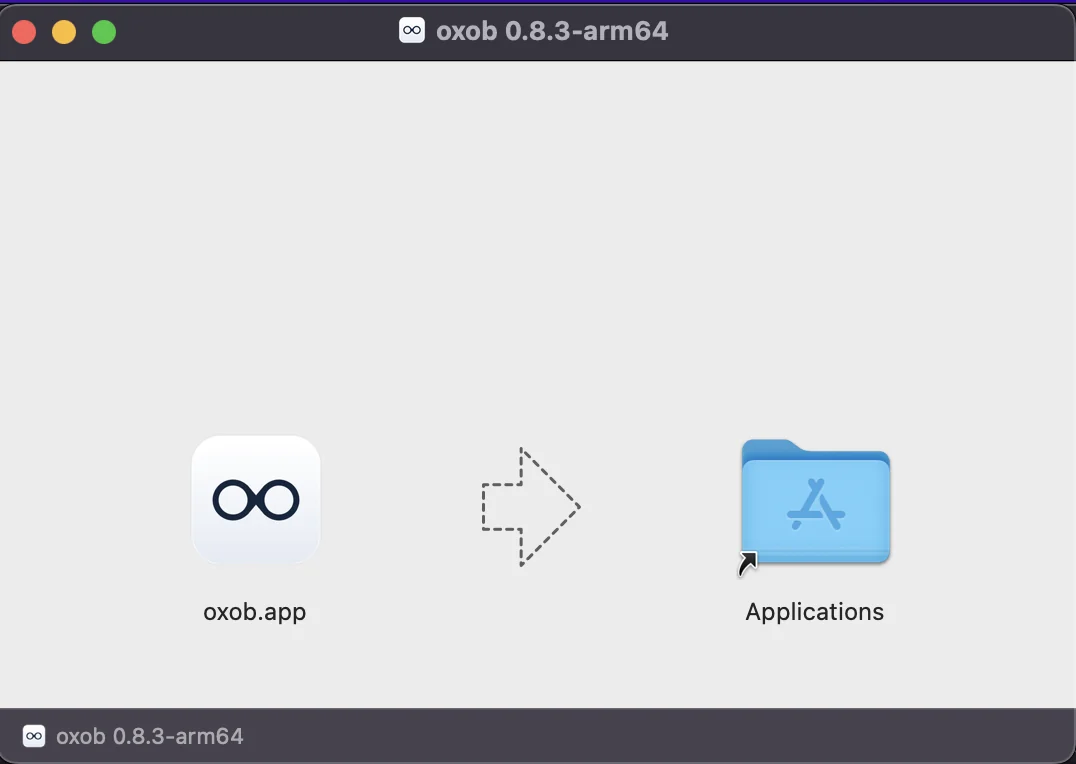
- Open oxob from Applications. macOS says it could not verify oxob: click Done.
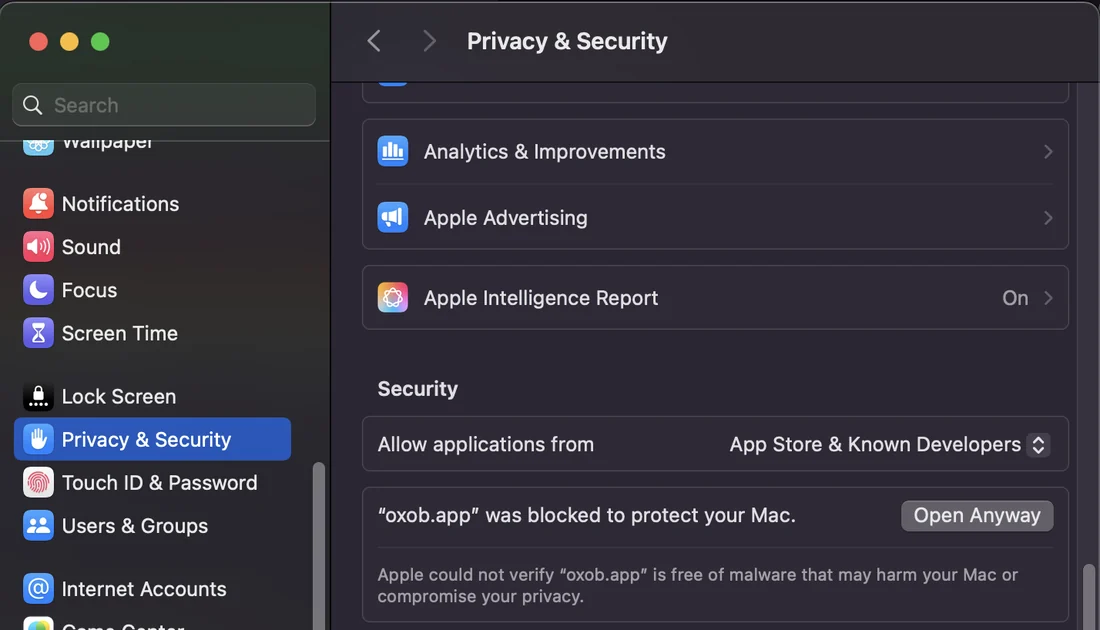
- Open System Settings → Privacy & Security, scroll down to Security and click
Open Anyway (it shows for about an hour after the block).
- Click Open Anyway once more.
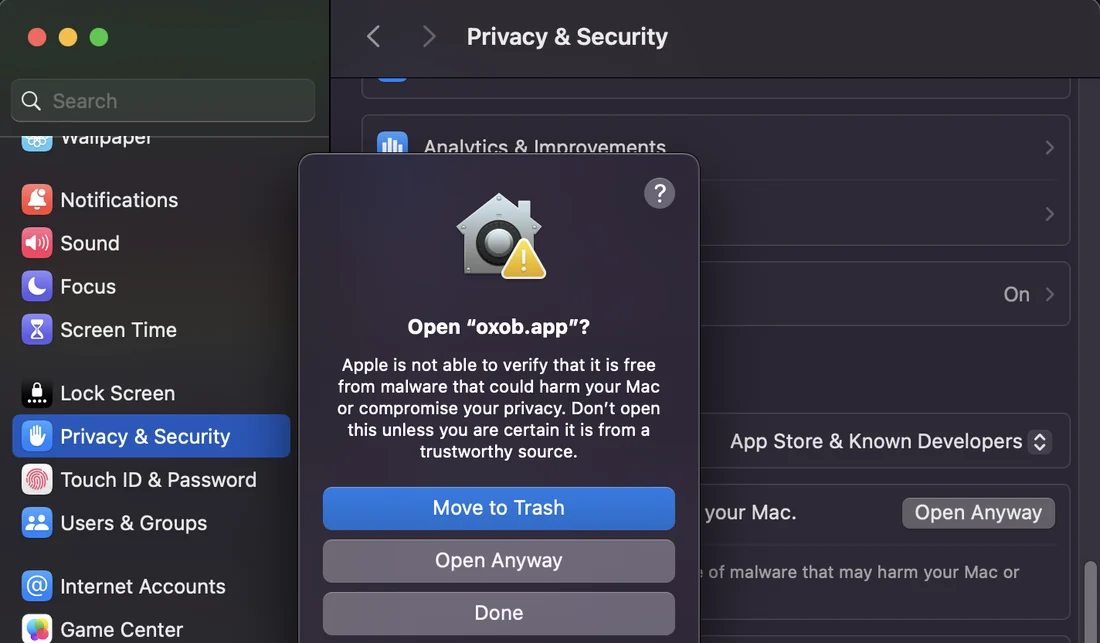
- Confirm with Touch ID or the password.
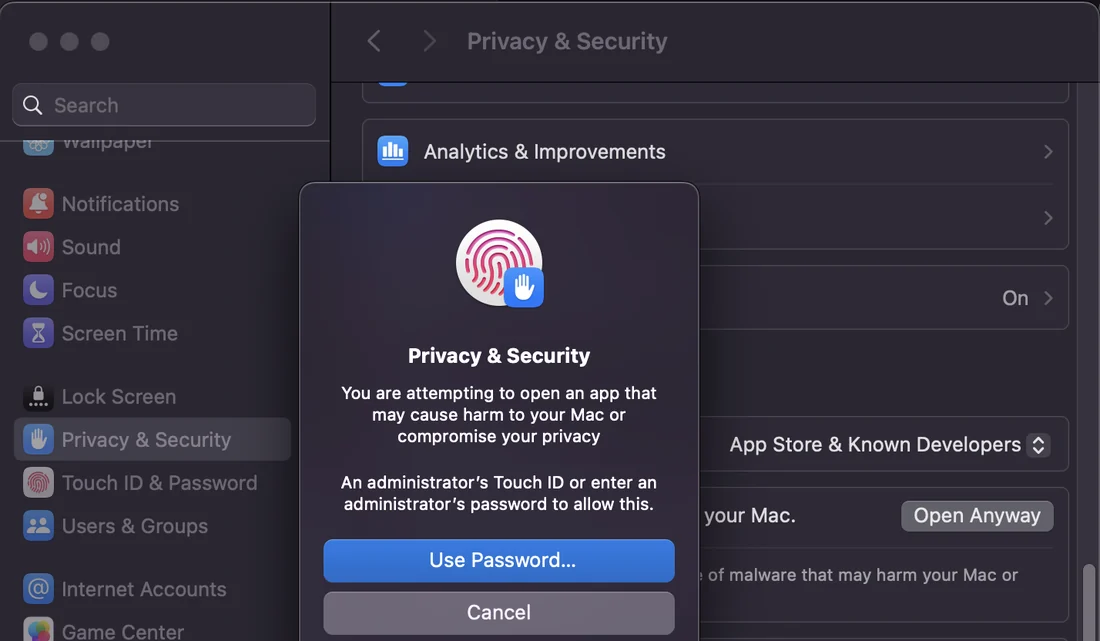
Open Anyway needs an administrator's password. On a standard account, use the install command: it needs none.